Repeated gems
Repeated symbols may look important, but the screen message gives the clearer state. Do not read a pattern by itself.

Gem screen guide · Adults only
Gem symbols are designed to be bright and memorable. Read them as screen elements, then compare them with the message area and timer state.
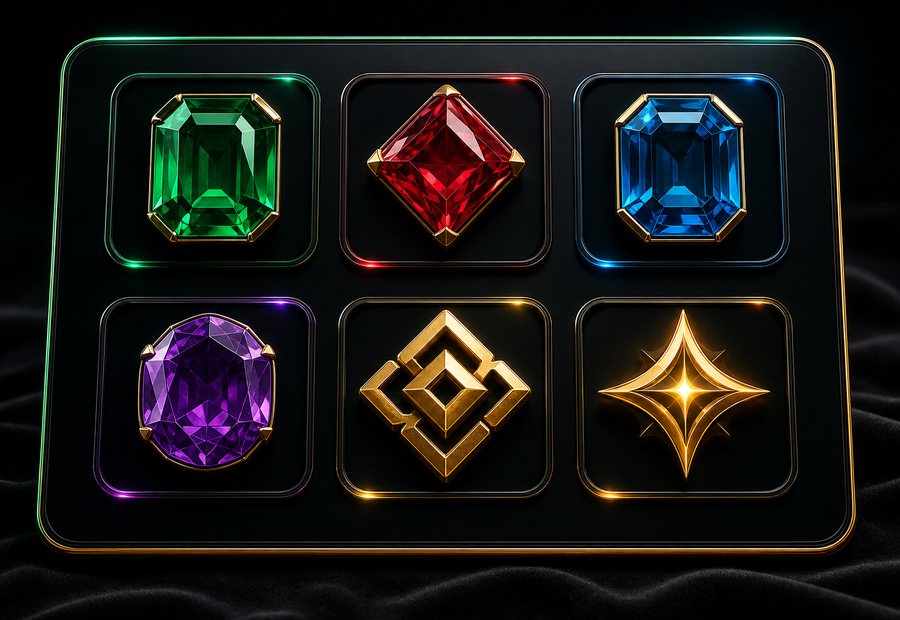
Symbols are visual signals, not promises
Repeated symbols may look important, but the screen message gives the clearer state. Do not read a pattern by itself.
Sparkles, framed gems, and star-like marks can mean different things across apps. Keep your check tied to the current screen.
Emerald, ruby, sapphire, and gold accents are not universal instructions. Nearby labels and prompts matter more than color alone.
If a symbol panel looks shifted, dimmed, or partly hidden, re-check the screen before continuing.
Symbols are easier to read when you separate decoration from screen state.