Reel area
Check whether the reels look active, paused, dimmed, or refreshed. A bright panel alone does not mean the round state is clear.

Gem screen guide · Adults only
A gem screen can show reels, glowing symbols, line notes, locks, and action messages at the same time. Treat those parts as separate signals before you continue.
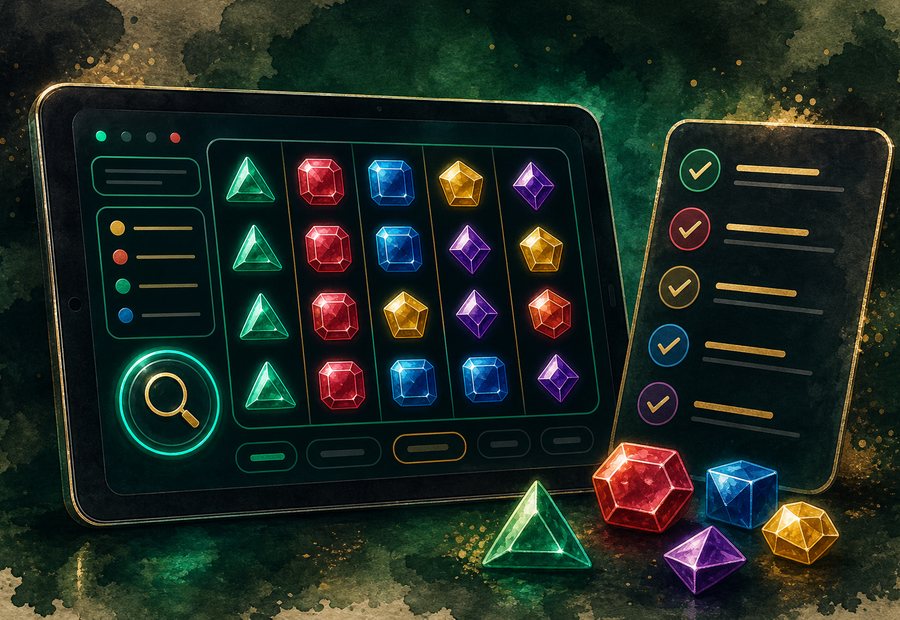
Start with what the screen is showing
Check whether the reels look active, paused, dimmed, or refreshed. A bright panel alone does not mean the round state is clear.
Read any short message near the action area. If it changed after a spin, compare it with the symbol area again.
Wild-style icons, star marks, and gem highlights can vary across screens. Read the nearby state before assuming meaning.
If a panel blinks, reloads, or changes color, pause and let the screen settle before reading it.
A careful gem-screen check is simple: reel state, symbol area, timer, lock mark, then message.