Age signal
Adult-only signals should be clear and easy to notice. If a screen feels careless about age checks, step away.

Gem screen guide · Adults only
Gem apps often use shiny surfaces, strong colors, and quick prompts. Check the page label, domain, device prompt, and age signal before trusting the screen.
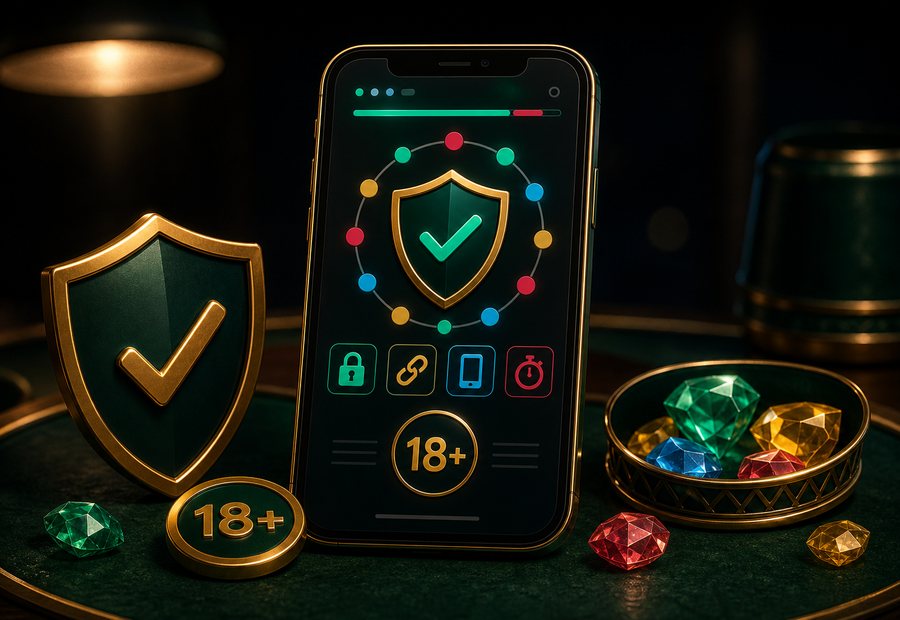
A polished app screen still needs checks
Adult-only signals should be clear and easy to notice. If a screen feels careless about age checks, step away.
Check whether a link, pop-up, or redirect matches what you meant to open. Similar-looking names can confuse.
A device prompt should match the action. Be careful with requests that feel unrelated to screen reading.
Support messages should be modest and specific. Be cautious with broad claims or requests for private account details.
Clear labels and restrained prompts matter more than shine.